How to Check, Accept or Reject Admission Offers on JAMB CAPS
JAMB CAPS allows candidates to check their 2026 admission status, accept or reject approved offers via portal or SMS, and respond to proposed course transfers. This guide covers every step from checking your status to obtaining your admission letter.
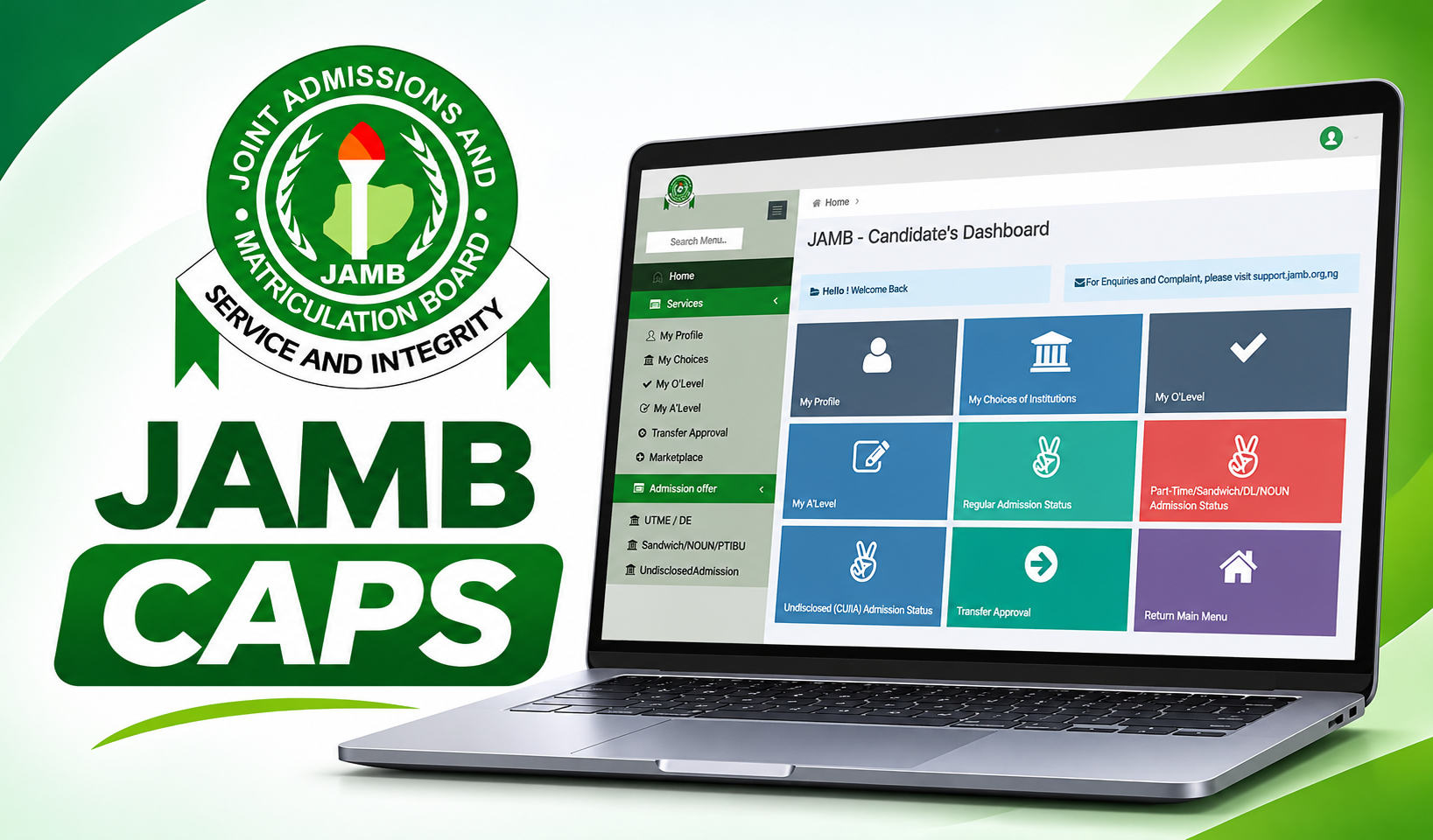
JAMB CAPS is the Central Admissions Processing System used by the Joint Admissions and Matriculation Board to manage admission offers for Nigerian tertiary institutions. Through CAPS, candidates can check whether their admission has been approved, accept or reject an offer, and respond to proposed course transfers.
What JAMB CAPS Admission Status Messages Mean
APPROVED
This status means JAMB has approved the candidate's admission into the institution. Candidates with this status have received a final offer and can proceed to accept or reject it through CAPS.
PROPOSED
A proposed status means the institution has selected the candidate for admission consideration, but the application is still awaiting JAMB's review and final approval. This is not a confirmed offer.
NOT ADMITTED
This status means no admission offer has been made yet. Candidates should continue checking CAPS regularly, as institutions release lists in batches throughout the admission cycle.
How to Check Your JAMB CAPS Admission Status
Visit the JAMB e-Facility portal and log in with your registered email address and password.
Select Check Admission Status.
Choose your examination year and enter your JAMB registration number.
Click Access My CAPS.
Select Regular Admission Status to view your admission details.
How to Accept or Reject an Admission Offer on JAMB CAPS
Candidates with an APPROVED status can accept or reject their offer in two ways.
Via the JAMB Portal
Log in to the JAMB e-Facility portal.
Navigate to CAPS and select your admission offer.
Choose to accept or reject the offer.
Via SMS
Type ACCEPT to accept the admission or REJECT to decline the offer.
Send the message to 55019 or 66019.
Return to the JAMB portal after a few minutes to confirm the response has been recorded.
The SMS must be sent from the phone number used during JAMB registration, not another person's number.
What to Do After Accepting Your Admission
Candidates who accept their admission offer can proceed to obtain their JAMB admission letter. This letter is required for school clearance, student registration and admission verification. Both printed and electronic copies should be kept for use during registration and other admission procedures.
How to Accept or Reject a Course Transfer on JAMB CAPS
An institution may propose admitting a candidate into a programme different from the one originally selected during JAMB registration. Candidates must respond to this proposed change through the Transfer Approval section of CAPS before admission can proceed.
Log in to the JAMB e-Facility portal.
Select Transfer Approval to view the proposed course change.
Review the offered programme and choose to accept or reject the transfer.
Accepting a course transfer allows the institution to proceed with admission into the new programme. Rejecting it means the proposed change will not take effect and the candidate remains in the originally selected course. Note that accepting a course transfer is not the same as accepting a final admission offer - a separate acceptance step is still required after JAMB approval.
Check your JAMB CAPS admission status on the e-Facility portal