How to Create JAMB Profile Code and Get Your 10-Digit JAMB Profile Code
What Is a JAMB Profile Code?
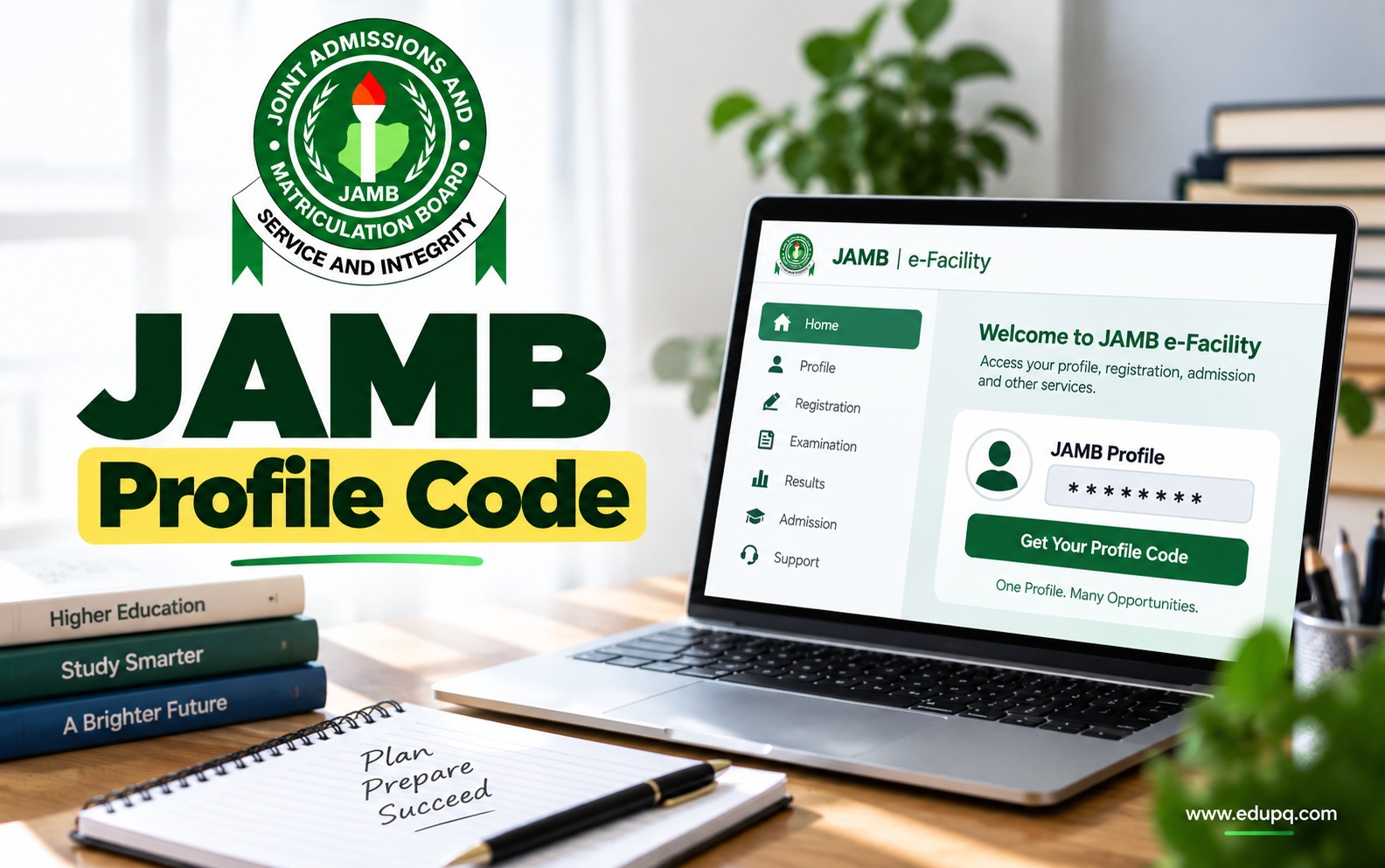
A JAMB Profile Code is a 10-character code issued to a candidate when creating or setting up a JAMB profile. It is connected to the candidate's registered phone number and is used during JAMB registration and other related processes.
Your profile code is important because it identifies your JAMB profile and allows you to proceed with services that require a JAMB profile.
Why Do You Need a JAMB Profile?
Creating a JAMB profile is an important part of accessing JAMB services. Without a profile, you cannot properly access several services provided through the JAMB e-Facility portal.
With a JAMB profile, you can access services such as:
UTME registration
Direct Entry registration
JAMB result slip printing
Admission status checking
Change of course or institution
Correction of personal information
JAMB admission letter services
Admission regularisation
JAMB CAPS services
Your JAMB profile also keeps your information connected to your JAMB activities, so it is important to provide accurate information when creating the account.
What You Need to Create a JAMB Profile Code
Before you start the process, make sure you have the necessary information available.
You may need:
Your National Identification Number (NIN)
A personal and active mobile phone number
A valid email address
Your correct name as it appears on your official documents
Your date of birth
Other personal information required during profile registration
Enough airtime if you are using the SMS method
The phone number you use is particularly important because it becomes associated with your JAMB profile and is used for communications relating to your application or examination.
How to Create JAMB Profile Code Using SMS
The SMS method is one of the simplest ways to generate your JAMB profile code.
According to the supplied JAMB profile creation information, candidates can generate the profile code by sending their NIN through SMS from their personal phone number.
Step 1: Get Your 11-Digit NIN
Make sure you have your correct 11-digit National Identification Number.
Your NIN is required for the profile creation process described in the newer method.
Step 2: Open Your SMS App
Use the personal mobile number you intend to associate with your JAMB profile.
Do not use someone else's phone number because the number used during the process is linked to your JAMB profile and future JAMB communications.
Step 3: Send Your NIN to 55019 or 66019
Type NIN, followed by a space and your 11-digit NIN.
Use this format:
NIN 00123456789
Then send the message to:
55019
66019
Make sure there is a space between NIN and your NIN number.
Step 4: Wait for Your JAMB Profile Code
After successfully sending the message, your JAMB profile code should be sent to the phone number used for the request.
The profile code is a 10-character code that you will need for your JAMB registration process.
The SMS service may attract a charge, so make sure you have sufficient airtime on the line before sending the message. The supplied sources state a charge of ?50.
Alternative SMS Method for Creating a JAMB Profile
The supplied materials also describe another SMS format for profile creation.
Using the personal phone number, candidates can send their:
Surname FirstName MiddleName
to 55019 or 66019.
For example, if your name is Happiness Collins Columba, the message should be arranged with the surname first:
Columba Happiness Collins
The supplied information states that the surname and first name are mandatory, while the middle name is optional.
Because the profile creation process can change, candidates should follow the method and instructions currently provided by JAMB when beginning their registration.
How to Create JAMB Profile Code Using USSD
The supplied information also gives a USSD option for generating a JAMB profile code.
You can dial:
*55019*1*NIN#
or
*66019*1*NIN#
Replace NIN with your 11-digit National Identification Number.
Use the personal phone number that you intend to associate with your JAMB profile.
After the request is processed, the profile code should be sent to the phone number used for the process.
How to Create JAMB Profile Online
You can also create your JAMB profile through the JAMB e-Facility portal.
The online method is useful if you prefer completing the registration process through the website and setting up your account details directly.
Step 1: Visit the JAMB e-Facility Portal
Go to the JAMB e-Facility website and locate the option to create an account.
The supplied materials identify the JAMB e-Facility portal as the platform for creating and accessing your profile.
Step 2: Select Create an Account
Click the option to create an account or create a JAMB profile account.
You will then be taken through the account creation process.
Step 3: Enter Your Email Address
Provide a valid and active email address.
It is important to use an email account that you can access because JAMB may send verification information, activation links and other important communications to the address.
Step 4: Verify Your Email
After entering your email and other requested information, select Verify e-Mail.
Check your email inbox for the verification message.
If you do not see the message, check your spam or promotions folder.
Step 5: Complete the Registration Form
After verifying your email, continue with the registration form.
Enter your information carefully, including details such as:
Full name
Date of birth
Gender
Nationality
Phone number
Other information requested on the form
Make sure the information you provide is accurate and matches your official records.
Step 6: Create Your Password
Create a password that you can remember and use to access your JAMB profile.
Keep your login information safe because you may need the account for future JAMB services.
Step 7: Complete Your JAMB Profile Registration
Review the information you entered and submit the registration form.
Once the process is successfully completed, you can log in to your JAMB e-Facility account using your registered email address and password.
How to Create a JAMB Profile Without Making Mistakes
Your JAMB profile contains information that may be used throughout your JAMB registration and admission process. A simple mistake during profile creation can therefore cause problems later.
Keep the following points in mind:
Use Your Correct Name
Enter your name accurately and avoid nicknames or unnecessary changes to the spelling.
Your name should be consistent with your official documents.
Use Your Personal Phone Number
The phone number used for the profile creation process is important because it is connected to your JAMB activities.
Use a number that belongs to you and that you can continue to access.
Use an Active Email Address
Make sure you can access the email address you provide.
You may need the email address to verify your account, reset your password or receive important information.
Check Your Details Before Submitting
Do not rush through the registration form.
Check your name, date of birth and other personal information before submitting the form. The supplied materials note that corrections to certain details may require a fee.
What to Do If You Do Not Receive Your JAMB Profile Code
If you sent your NIN but did not receive your profile code, first check that you followed the correct format and used the correct phone number.
You should also check the following:
Make sure you have enough airtime for the SMS service.
Confirm that the NIN belongs to you and is correctly entered.
Make sure you used your personal registered phone number.
Check whether your NIN is properly linked to the phone number being used.
If the problem continues, seek assistance from a JAMB office or the relevant NIMC centre.
Do not repeatedly send incorrect information because errors in your personal details can create additional problems during registration.
How to Retrieve a Lost JAMB Profile Code
If you have misplaced your JAMB profile code, you may be able to retrieve it using the phone number originally used to create your profile.
Send:
RESEND
to 55019 or 66019 using the same registered phone number.
The supplied information states that your profile code will be sent to you.
This means it is important to keep access to the phone number you used when creating your JAMB profile.
How to Recover Your JAMB Profile Password
Losing your JAMB profile password is different from losing your profile code.
If you forget your password, you can use the password recovery option on the JAMB e-Facility portal.
Follow These Steps
Visit the JAMB e-Facility portal.
Select the Forgot Password or password reset option.
Enter the email address used when creating the account.
Provide your date of birth where requested.
Request a password reset link.
Check your email for the password reset instructions.
Follow the instructions to create a new password.
If you do not see the password reset email, check your spam or junk folder.
Can You Use Someone Else's Phone Number to Create a JAMB Profile?
You should use your personal phone number when creating your JAMB profile.
The supplied information states that the phone number used during profile creation becomes tied to your name and is used for communication relating to your JAMB application or examination.
Using another person's number can make it difficult to receive important messages or retrieve your profile code later.
Can You Create a JAMB Profile Without NIN?
The supplied information states that a National Identification Number is mandatory for the newer JAMB profile creation method.
If you do not have a NIN, you should obtain one before proceeding with the profile creation process that requires it.
Can You Correct Information on Your JAMB Profile?
Some personal information can be corrected after creating your JAMB profile, but corrections may attract a service charge depending on the type of correction.
This is why you should carefully check your information before completing your registration.
Pay particular attention to your:
Name
Date of birth
Gender
Phone number
Email address
Avoid submitting information simply because you want to complete the process quickly.
Can You Use an Old JAMB Profile for a New UTME Registration?
The supplied information states that if you created a JAMB profile in a previous year, the profile can remain valid for another UTME registration.
However, a new e-PIN may be required for the new registration.
Therefore, you should not automatically create another profile if you already have an existing JAMB account. Check the applicable JAMB registration instructions for the year in which you are applying.
How to Log Into Your JAMB Profile
Once your account has been created, you can access your JAMB profile through the JAMB e-Facility portal.
You generally need your registered email address and password to log in.
If you have forgotten your password, use the password recovery option rather than creating another account unnecessarily.
JAMB Profile Code vs JAMB Profile Account
The JAMB profile and JAMB profile code are related but they are not exactly the same thing.
Your JAMB profile account is your account on the JAMB e-Facility platform where your information and JAMB services are managed.
Your JAMB Profile Code is the 10-character code associated with your profile and used during relevant JAMB registration processes.
Both are important, so keep your profile login details and profile code somewhere safe.
Frequently Asked Questions About JAMB Profile Code
How do I create a JAMB profile code?
You can create your JAMB profile code through the available JAMB profile creation process. The supplied information includes SMS and USSD methods using your NIN, as well as online profile creation through the JAMB e-Facility portal.
What number do I send my NIN to for JAMB profile code?
The supplied information lists 55019 or 66019 as the JAMB short codes for the SMS method.
What format should I use to send my NIN to JAMB?
Use the format:
NIN 11-digit NIN
For example:
NIN 00123456789
There should be a space between NIN and the 11-digit number.
How long is the JAMB profile code?
The supplied information describes the JAMB profile code as a 10-character code.
Can I retrieve my lost JAMB profile code?
Yes. The supplied instructions state that you can send RESEND to 55019 or 66019 from the same phone number used to create the profile.
Can I use another person's phone number?
You should use your personal phone number because the number becomes associated with your JAMB profile and is used for important communications.
Do I need an email address to create a JAMB profile?
The online profile creation method requires a valid email address for verification and account-related communication.
What should I do if my JAMB profile code does not arrive?
First confirm that you entered your information correctly, used the appropriate phone number and have sufficient airtime for the SMS service. If you still do not receive the code, seek assistance from JAMB or the relevant NIMC centre.